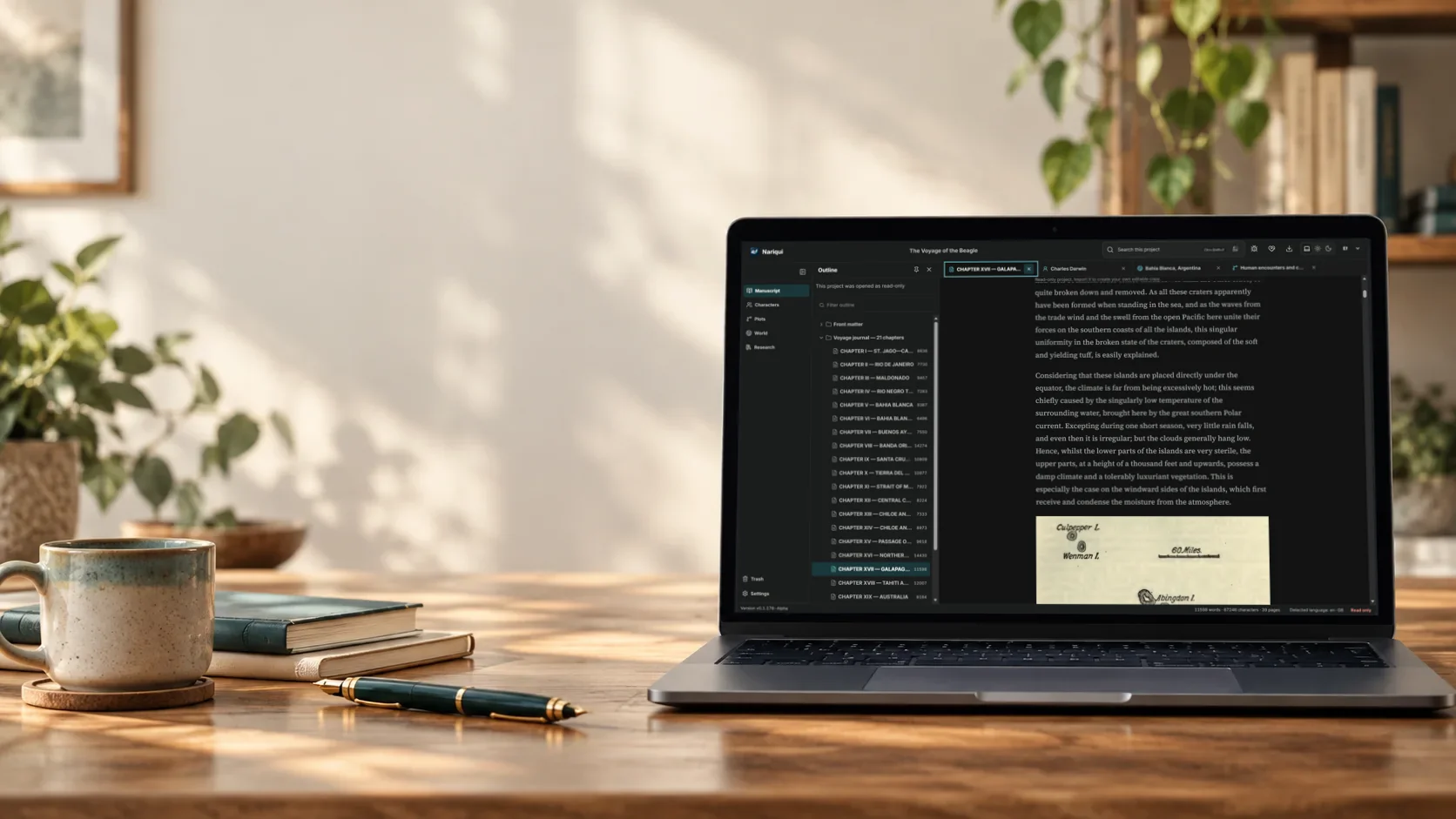

Write · organise · keep control

A quiet place
for your thoughts.

Nariqui is a free-to-use long-form writing application for Windows, Ubuntu and self-hosted Docker. Bring manuscript writing, planning and research into one modern browser-based workspace, while keeping ownership of your work.

A workspace for long-form writing

Structure your work

Keep manuscript, outline, characters, plots, research and metadata together.
Your data, your rules

Portable .qui projects, backups and self-hosted operation keep control close.

Built for writers

A calm, distraction-resistant interface with clear hierarchy for long writing sessions.

For ideas that last

Write freely.
Stay in control.

Nariqui gives complex, long-form work a flexible structure while the writing surface stays central.

Explore what Nariqui does →

Inside Nariqui

Room for the whole story.

Explore the tools that keep your writing, ideas and research together.

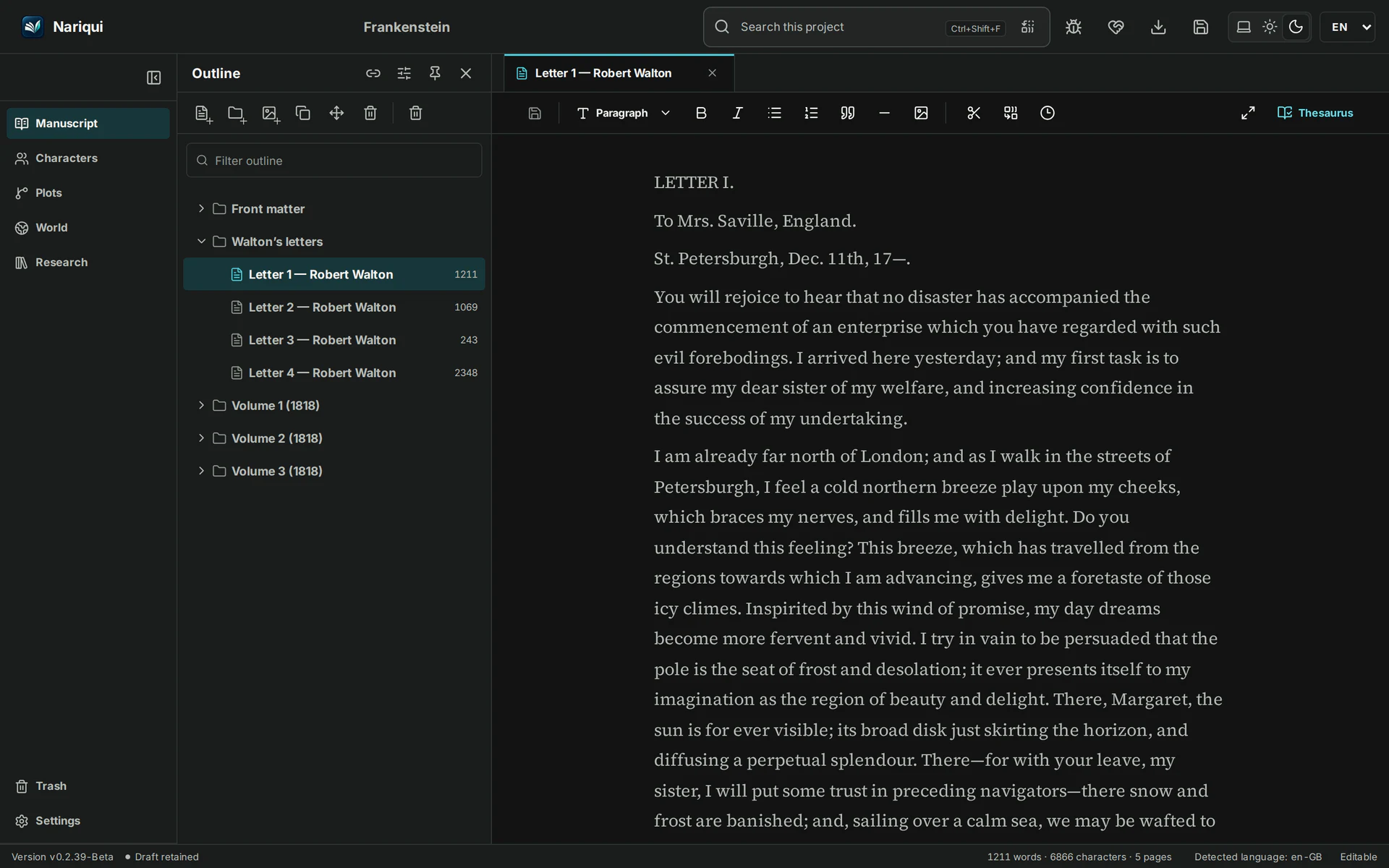
01 / Outline

See the shape of your manuscript.

Arrange chapters and scenes in an outline, then move straight into the passage you want to write.

From the whole project to a single scene.
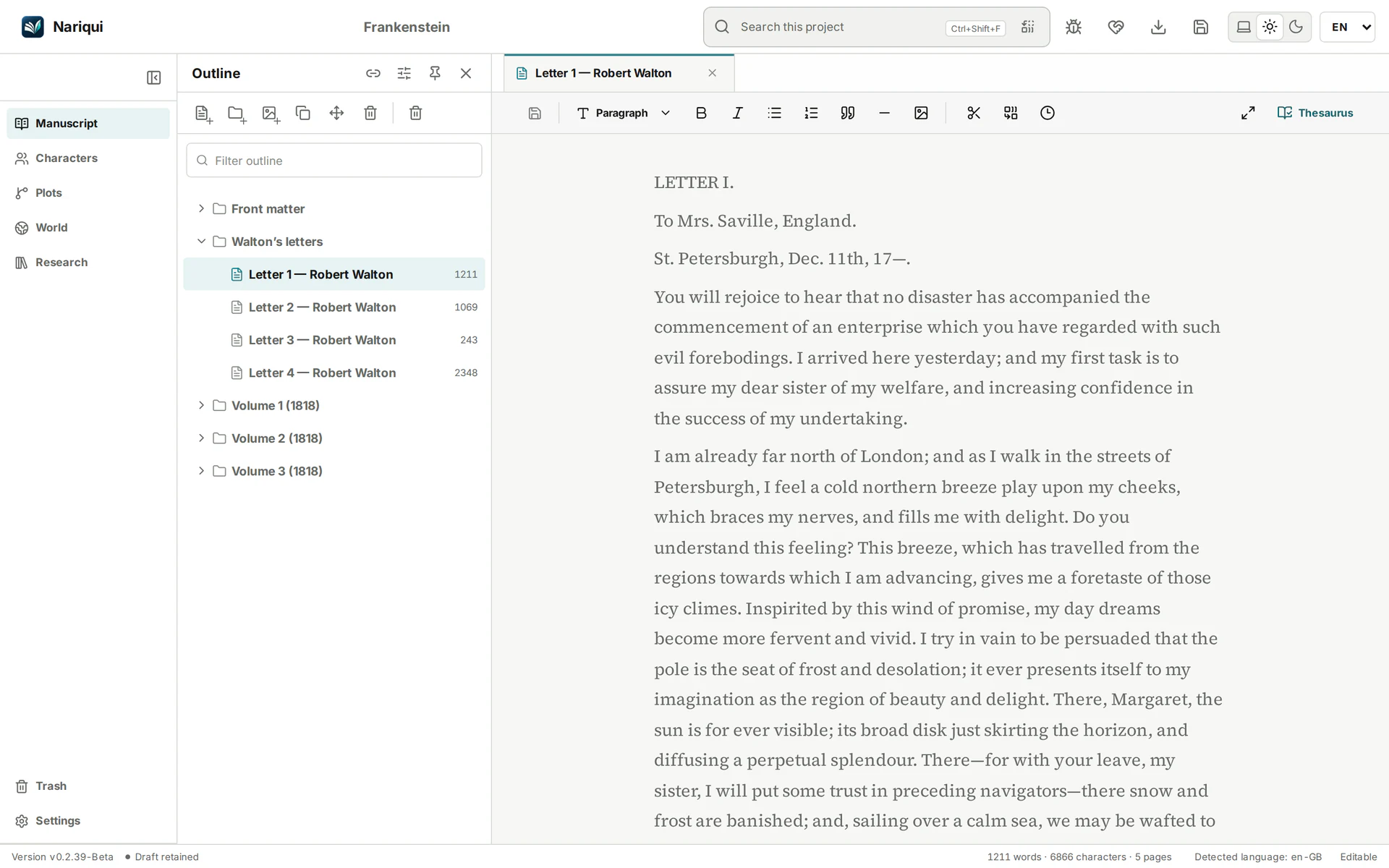
Frankenstein manuscript outline with Walton’s first letter open in the editorFrankenstein manuscript outline with Walton’s first letter open in the editor
Navigate from the manuscript structure straight into the writing.

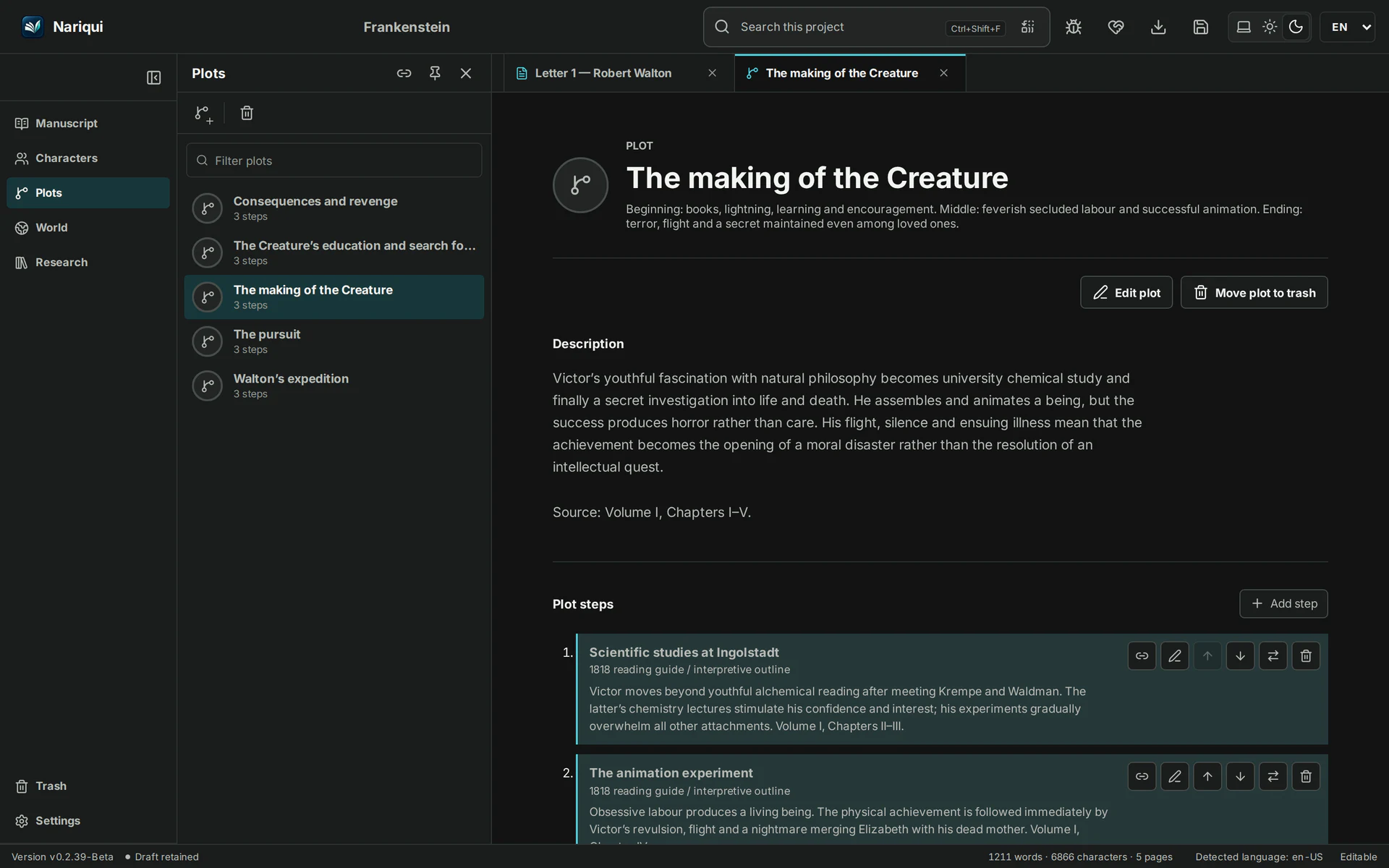
02 / Plot

Keep the threads of your story together.

Keep plot notes alongside your manuscript and connect planning material to the writing it supports.

Keep the story’s threads connected as your manuscript grows.
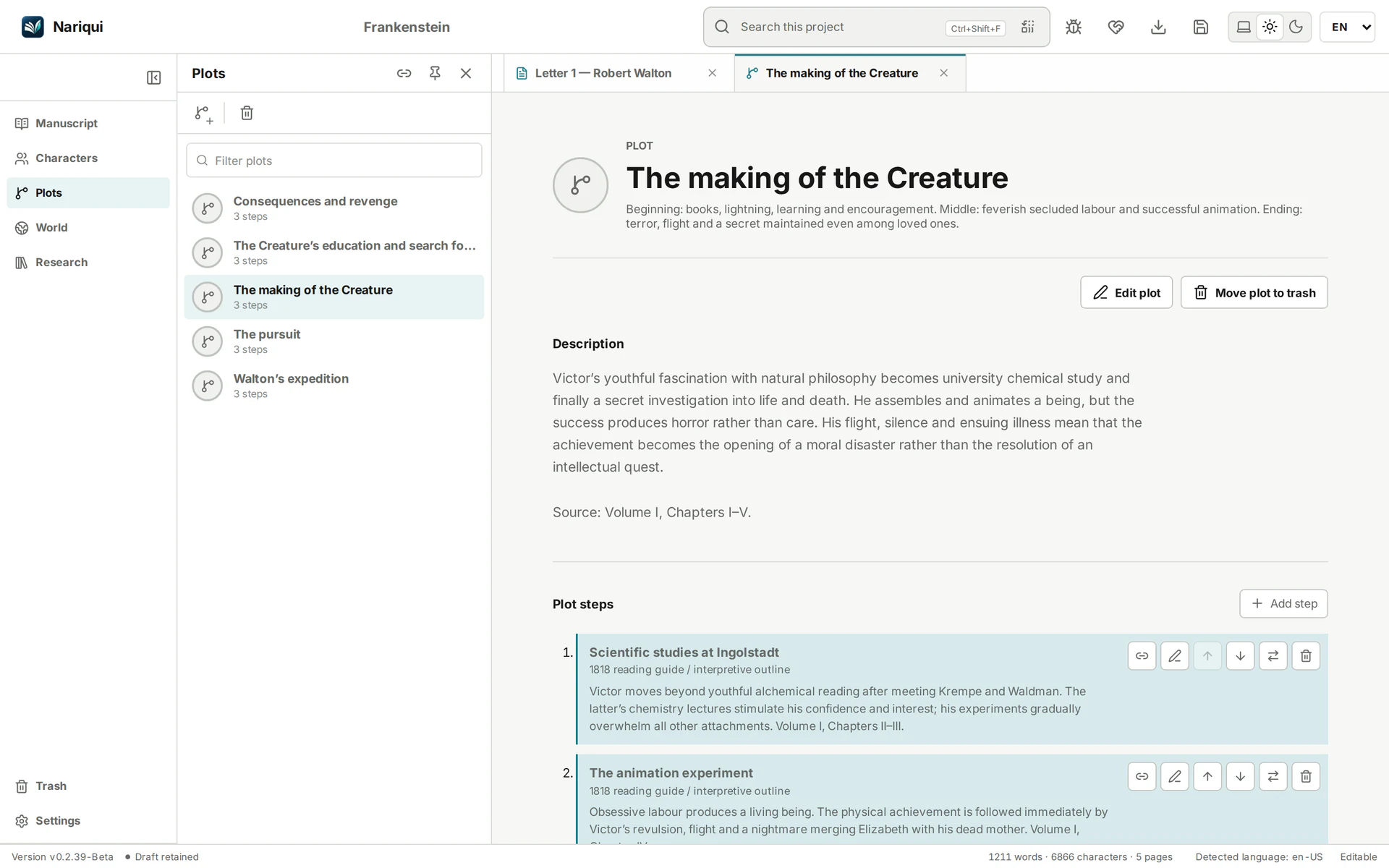
Frankenstein plot planning with the Creature’s creation and ordered story stepsFrankenstein plot planning with the Creature’s creation and ordered story steps
The making of the Creature, with its story steps and related planning.

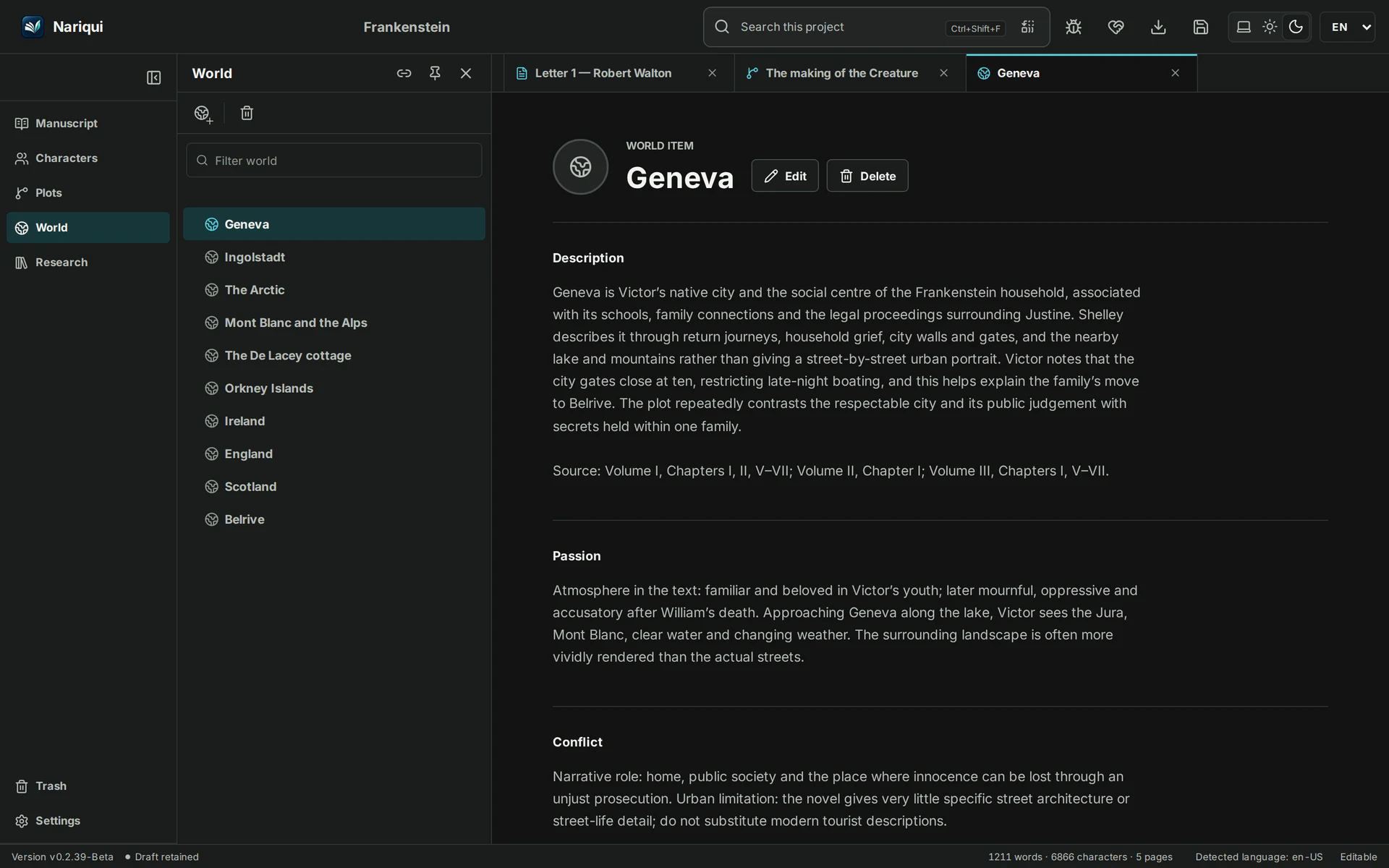
03 / World

Give your world a place to grow.

Build up characters, places and world-building notes in the same project as your story.

Keep the details close when you need them.
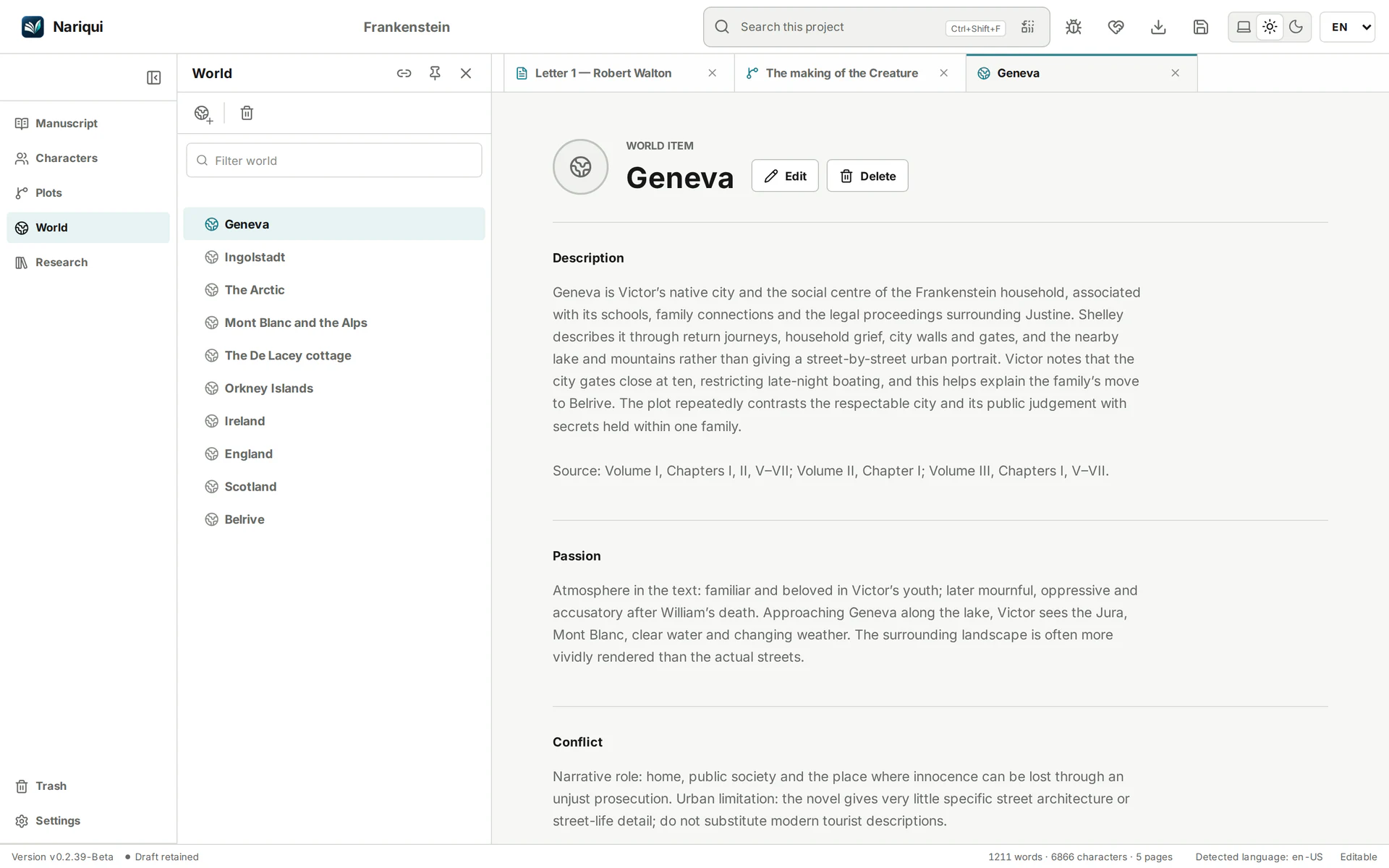
Frankenstein world-building notes for Geneva alongside the project’s locationsFrankenstein world-building notes for Geneva alongside the project’s locations
Keep places, descriptions and story context together.

04 / Research

Keep your discoveries within reach.

Gather research resources and attachments beside your manuscript, with references that connect them to your work.

Made for both fiction and non-fiction.
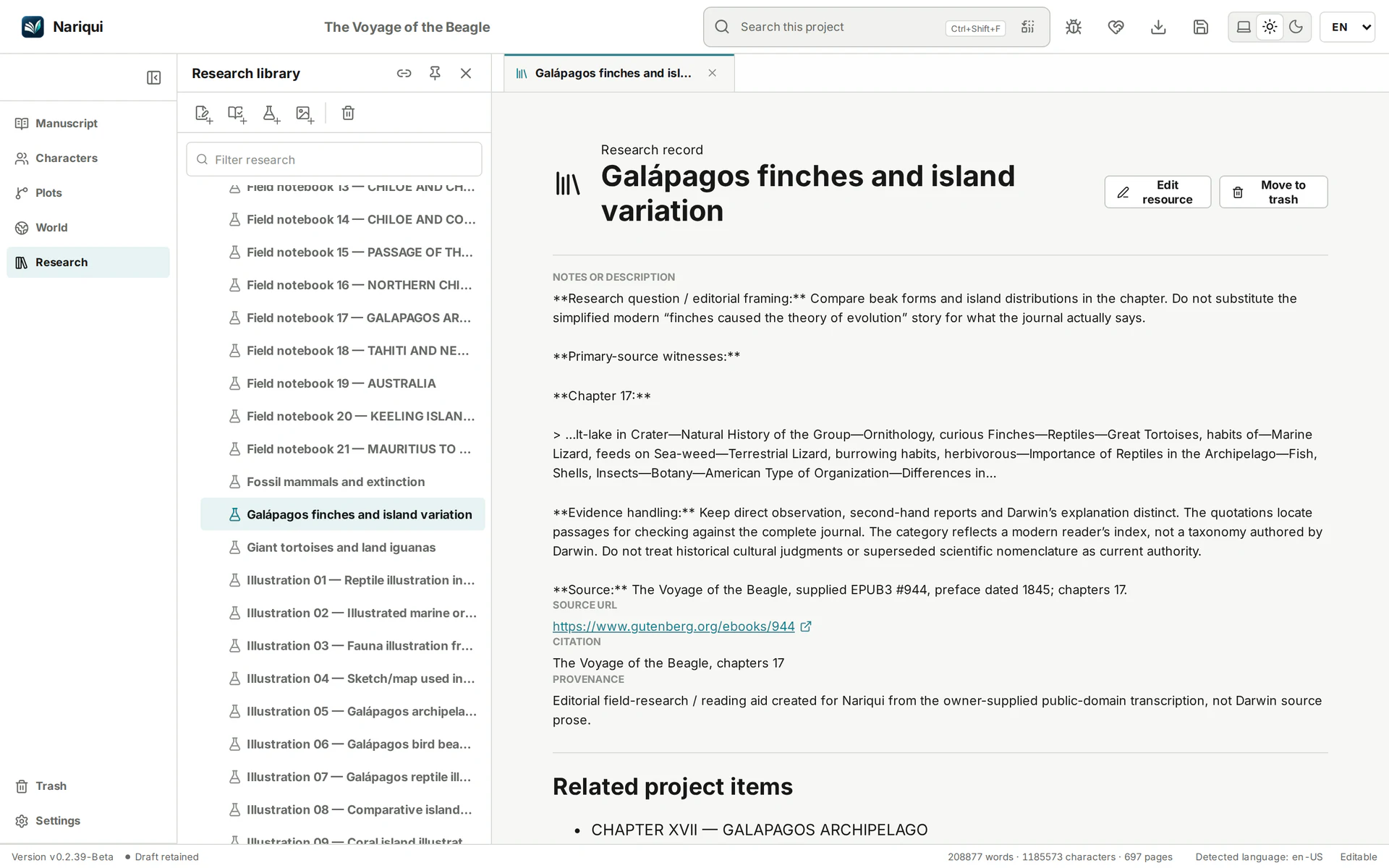
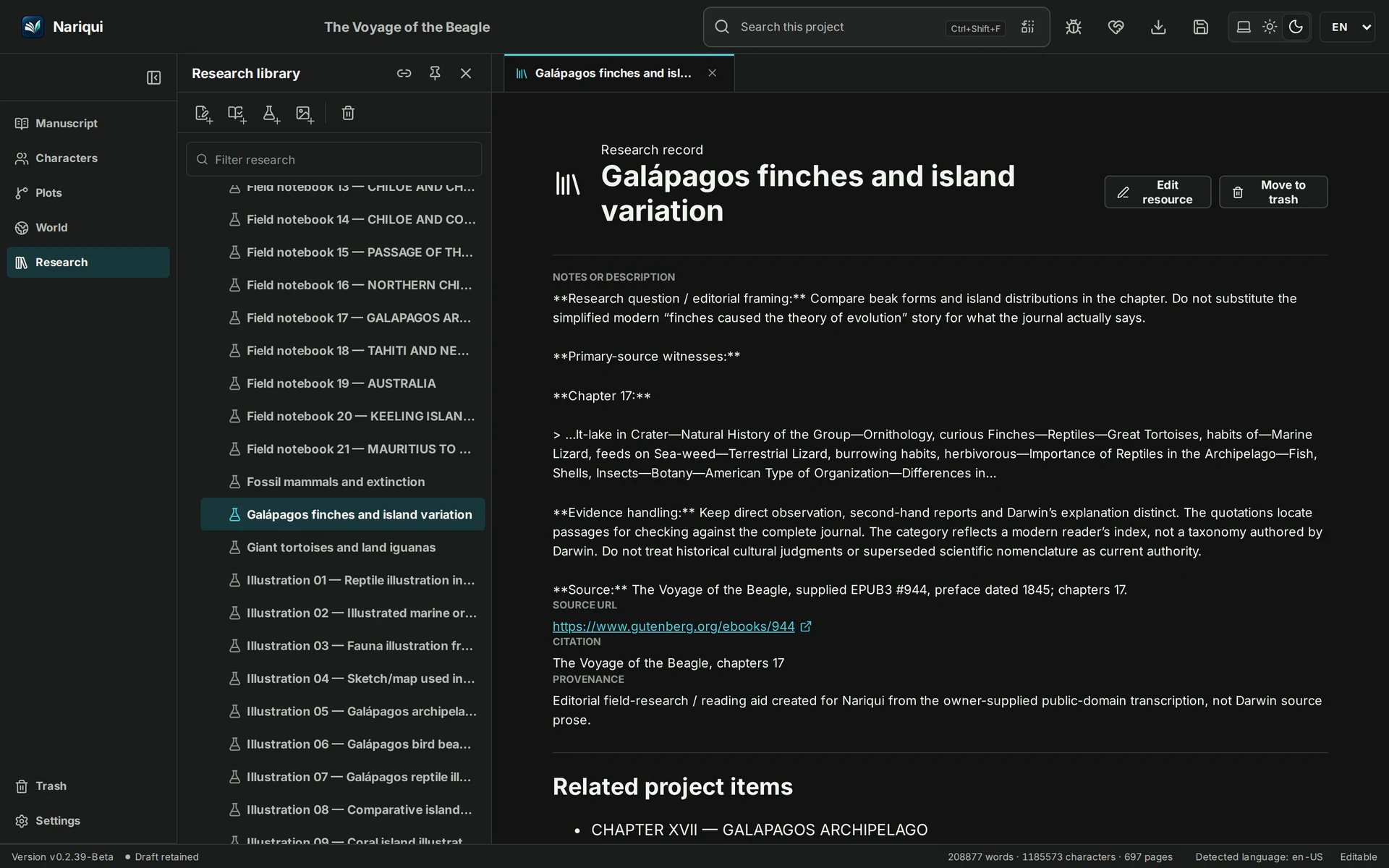
Beagle research library with notes on Galápagos finches, source citations and linked manuscript chaptersBeagle research library with notes on Galápagos finches, source citations and linked manuscript chapters
Research questions, source passages and related manuscript chapters in one project.

05 / Image embedding

Let an image become part of the page.

Embed supported project images in your manuscript and keep the media with your portable project.

Illustrations and visual references stay in context.
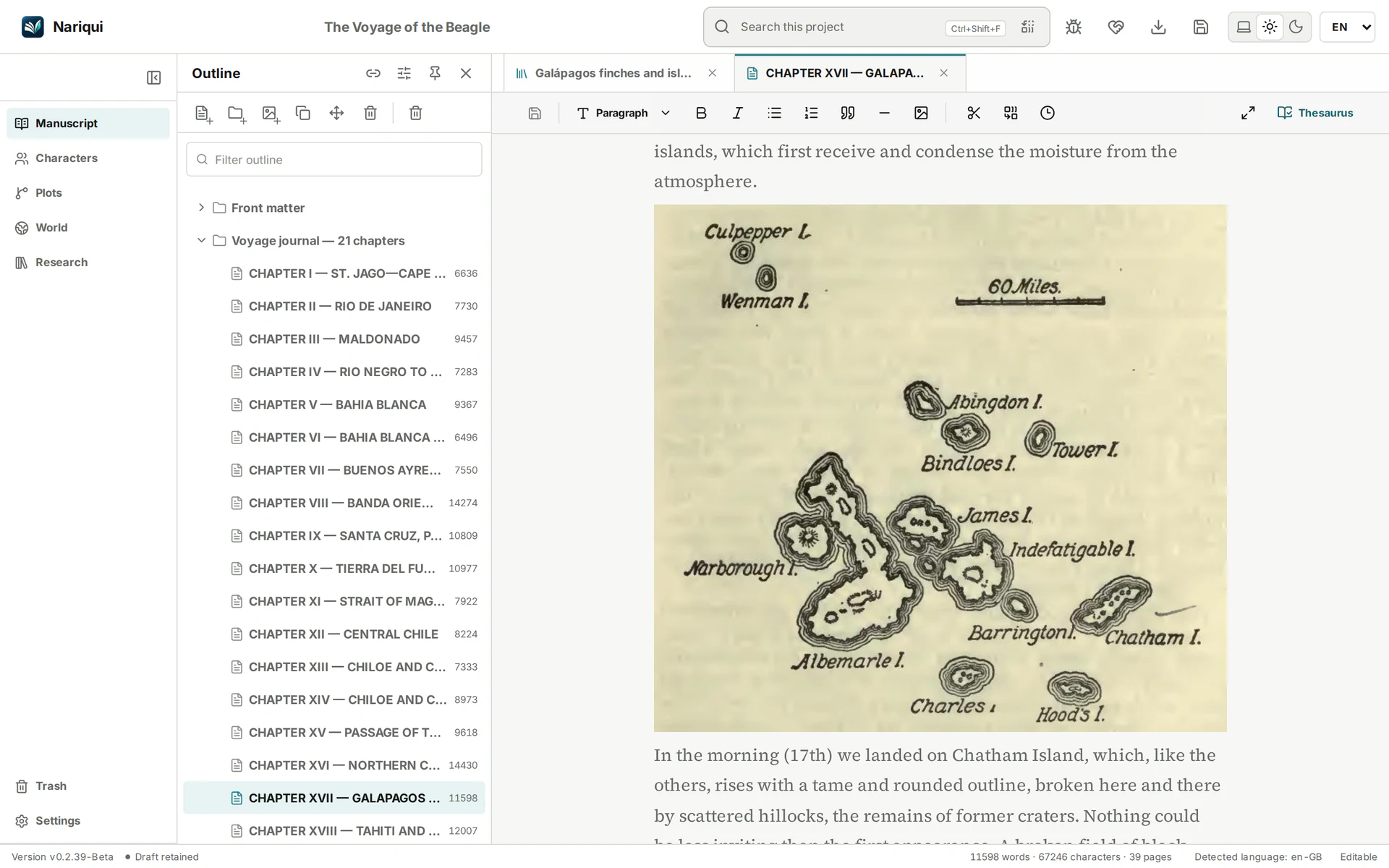
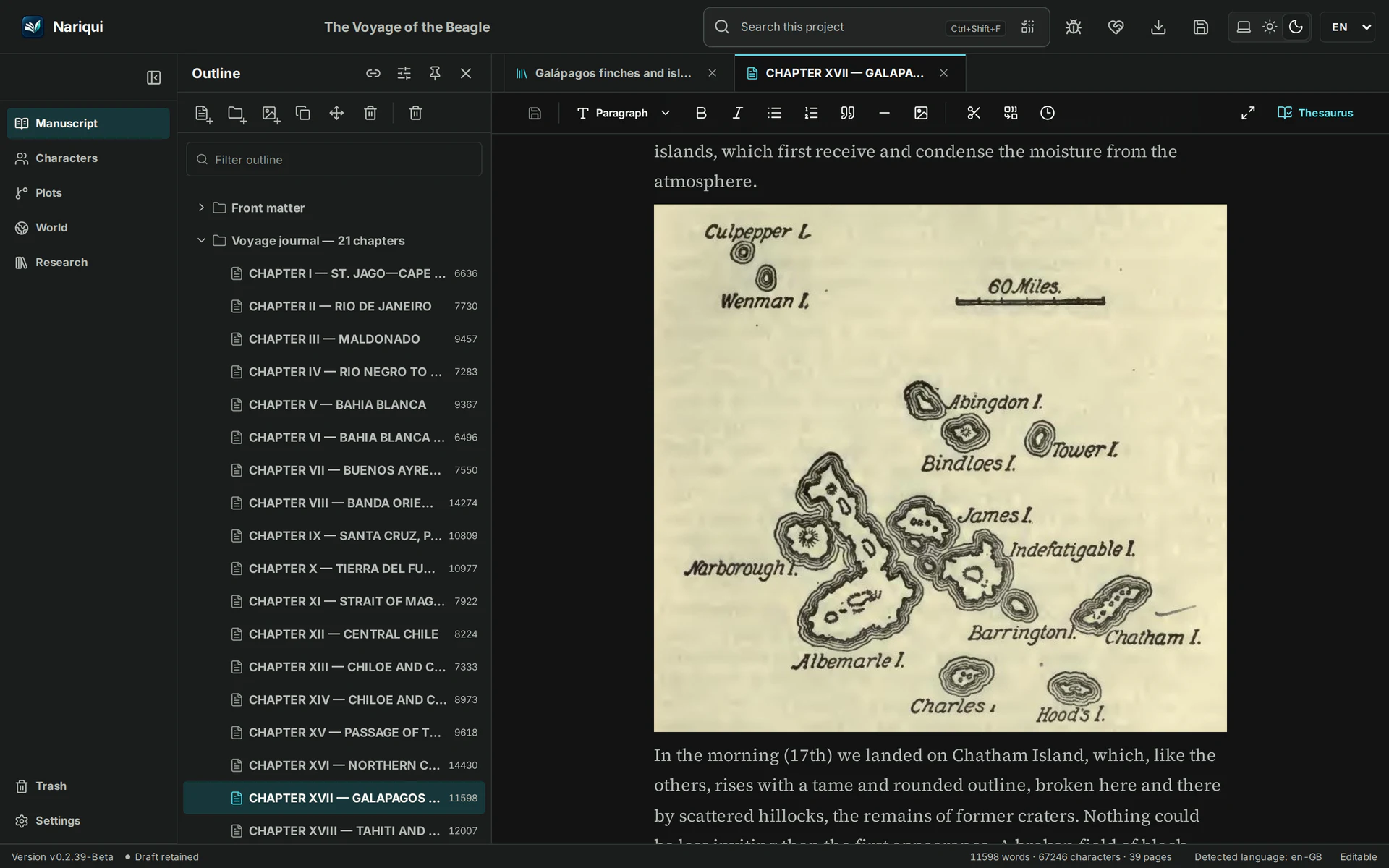
A historical Galápagos illustration embedded in Beagle’s Chapter XVII manuscriptA historical Galápagos illustration embedded in Beagle’s Chapter XVII manuscript
An original historical illustration embedded in the manuscript.

06 / Thesaurus

Find the word that fits.

Find English and Dutch synonyms with the built-in thesaurus, and explore alternatives by meaning and match strength.

AI assistance is optional and requires a configured AI provider. AI lookups are sent to that provider; availability and any charges depend on the provider.
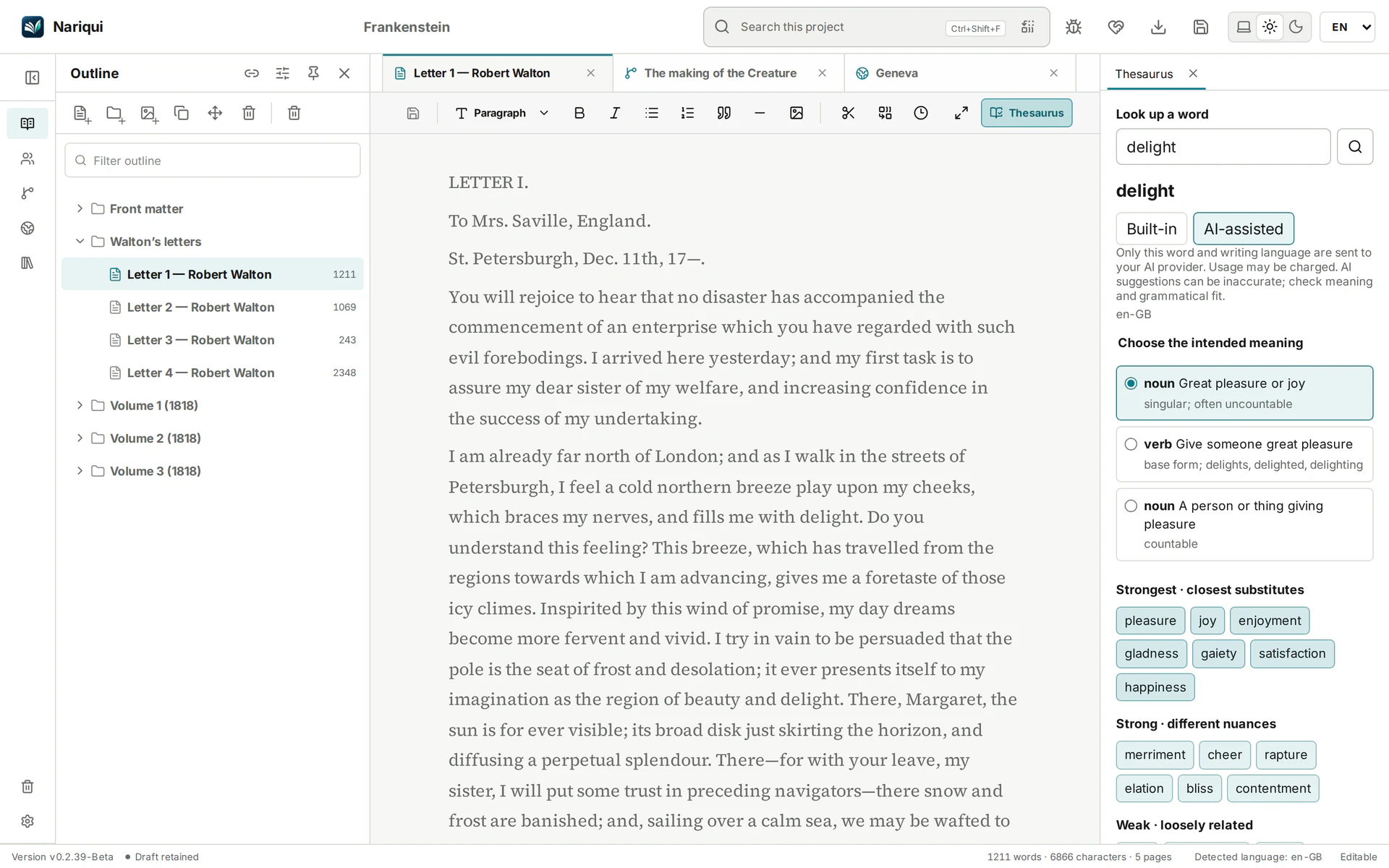
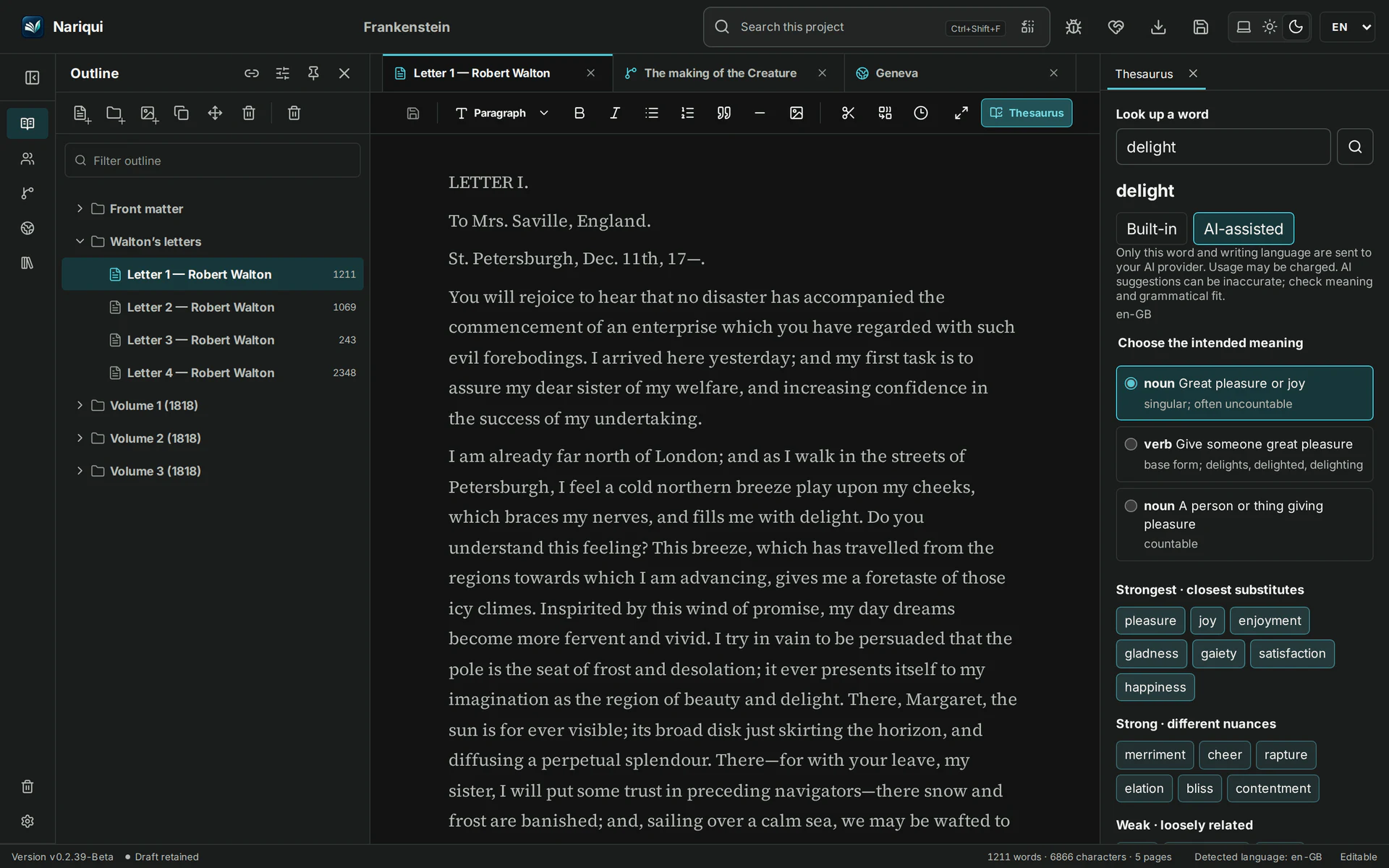
Frankenstein manuscript with Built-in and AI-assisted choices, intended meanings and categorized synonyms for delightFrankenstein manuscript with Built-in and AI-assisted choices, intended meanings and categorized synonyms for delight
The thesaurus with optional AI assistance selected; the writer chooses the word.

Explore all features →

A look inside Nariqui

A workspace that feels right for writing.

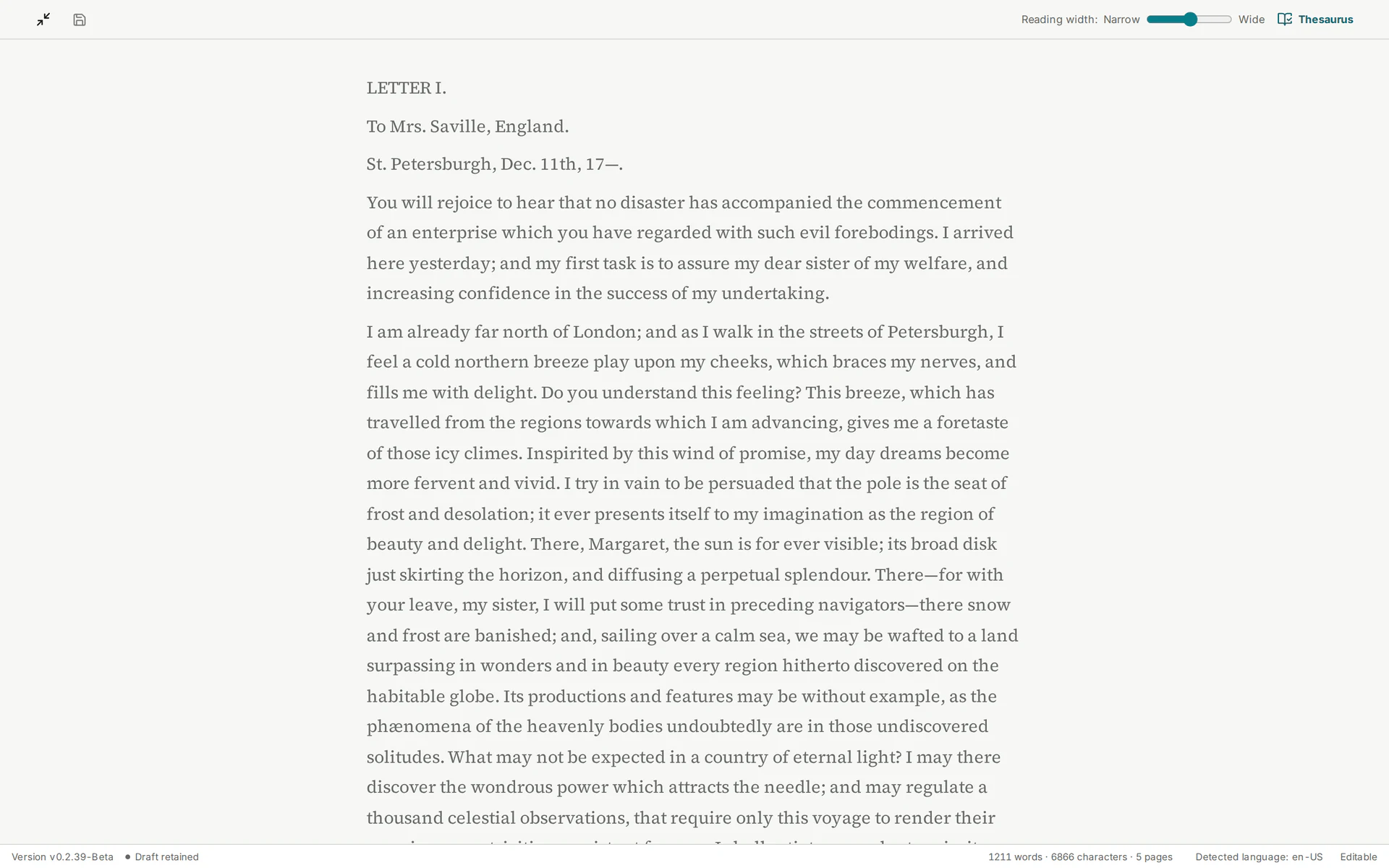
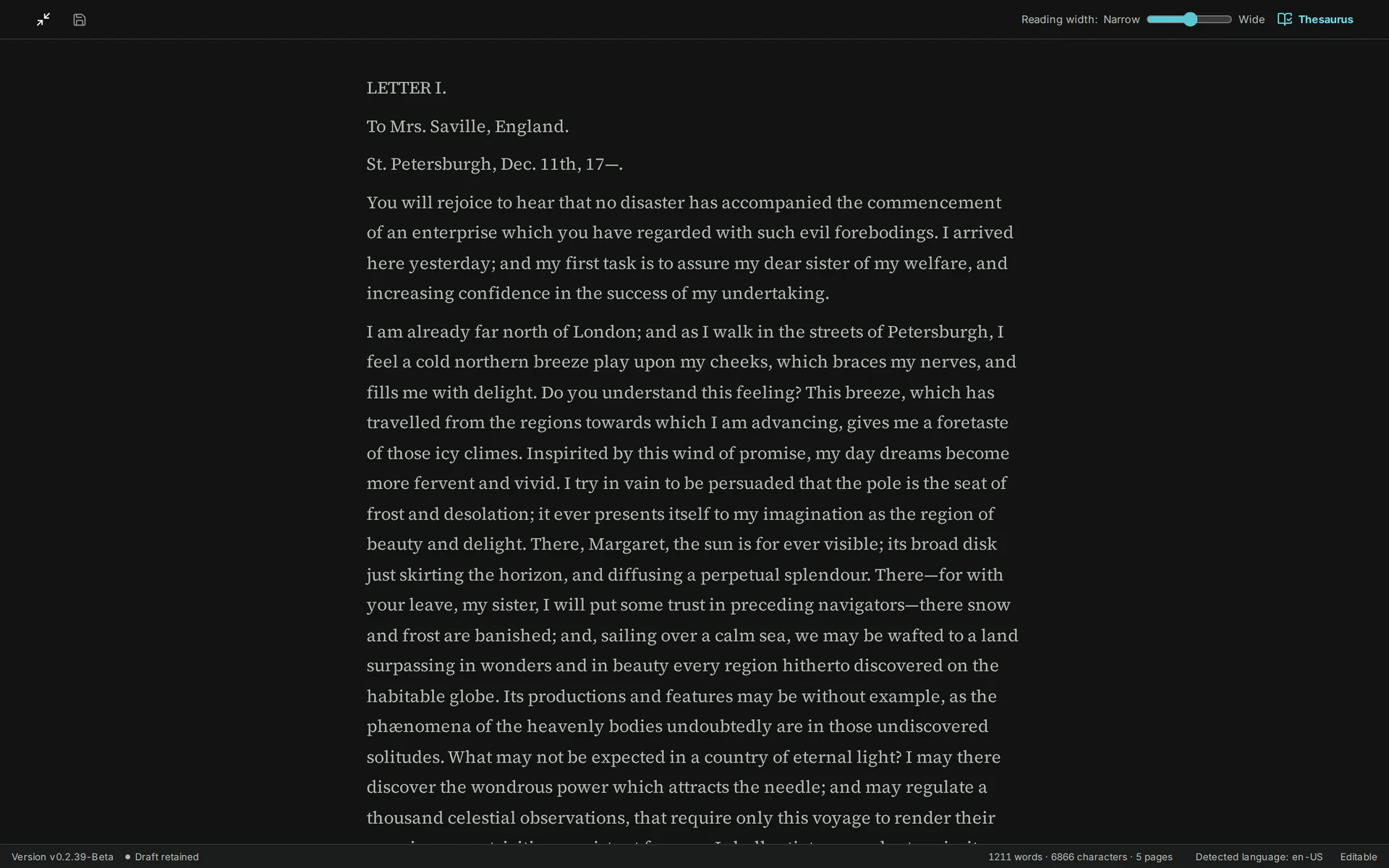
Settle into Focus Mode, adjust the writing width and keep your manuscript at the centre. Your ideas and research remain close at hand.

Frankenstein’s manuscript in Nariqui Focus Mode with its reading-width controlFrankenstein’s manuscript in Nariqui Focus Mode with its reading-width control
Focus Mode in v0.2.39-Beta, using the restored Frankenstein sample.
Beta access

The self-hosted Beta is unrestricted.

  • No word quota
  • No project quota
  • No image quota
  • No attachment quota
  • No continuous activation
  • Installed Beta remains usable

Get the Beta package and installation guide from the download page.

Read the Beta policy →

Self-hosted by design

Keep the server—and the writing—under your control.

Run Nariqui on infrastructure you control. Native projects are portable, and access to your writing is designed not to depend on a continuous entitlement check.

Losing a subscription must never mean losing your writing.

Understand the self-hosting model →