

Inside Nariqui
The complete project, not just the page.
Bring your manuscript, ideas and research together in a calm workspace designed for long-form writing.
Your writing workspace
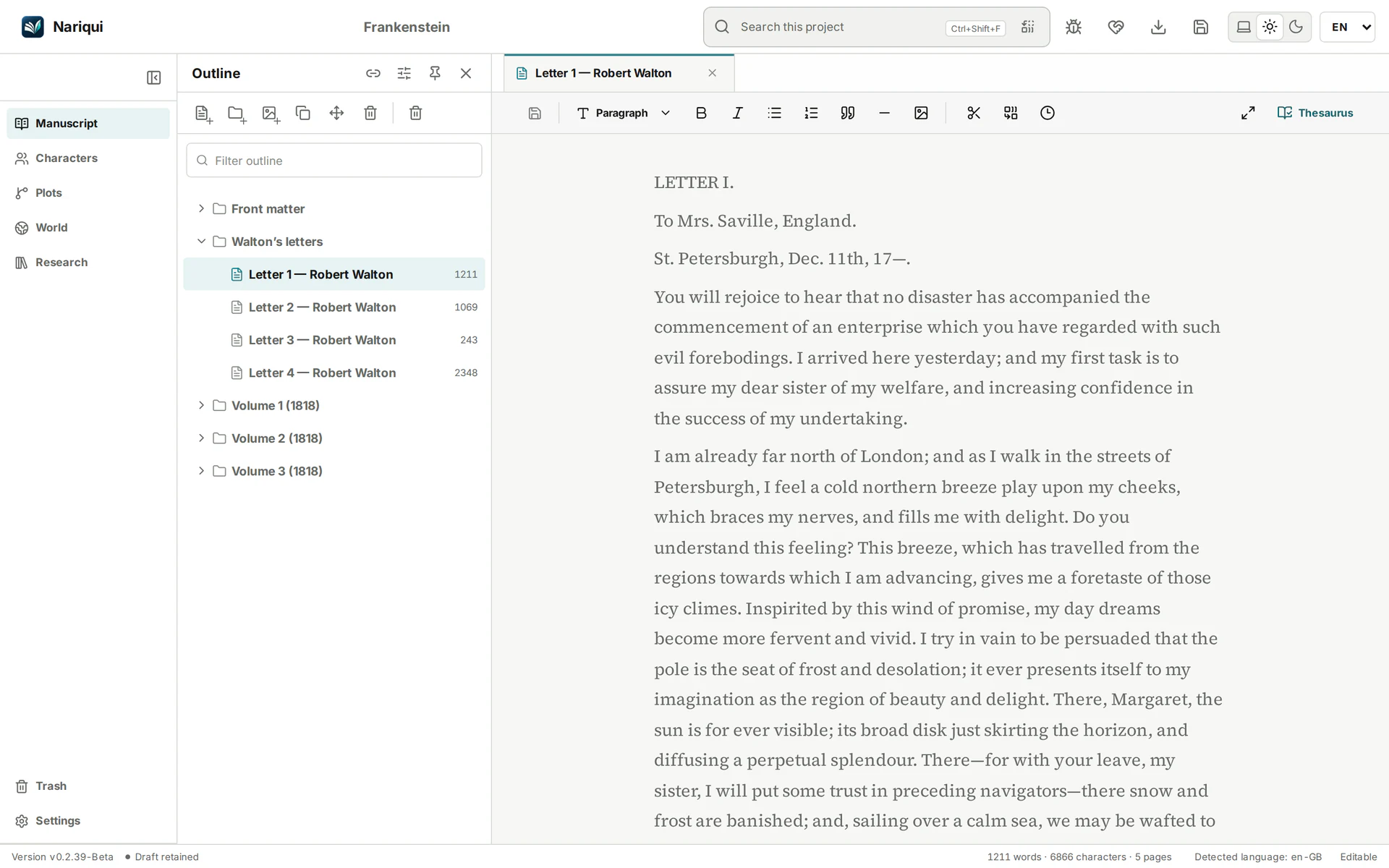
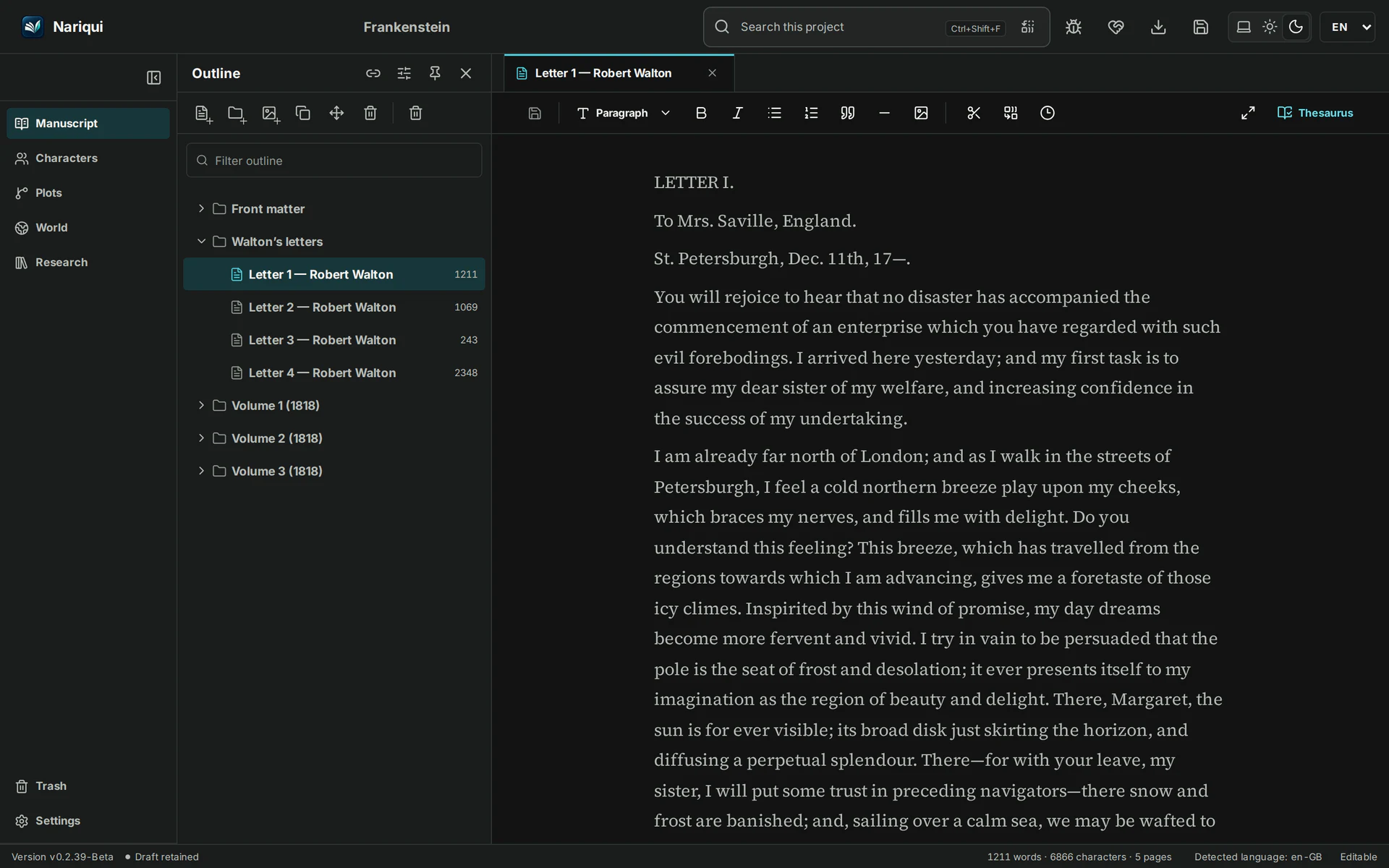
Nariqui brings your manuscript, outline, planning and research together in one project. Arrange chapters and scenes in the outline, open the passage you want to work on, and keep supporting material close at hand.
Write and revise structured Markdown manuscripts, find and replace text, inspect retained revisions, and export selected writing as plain text, Markdown or standalone HTML. Save the complete project as a portable .qui package.
Focus Mode
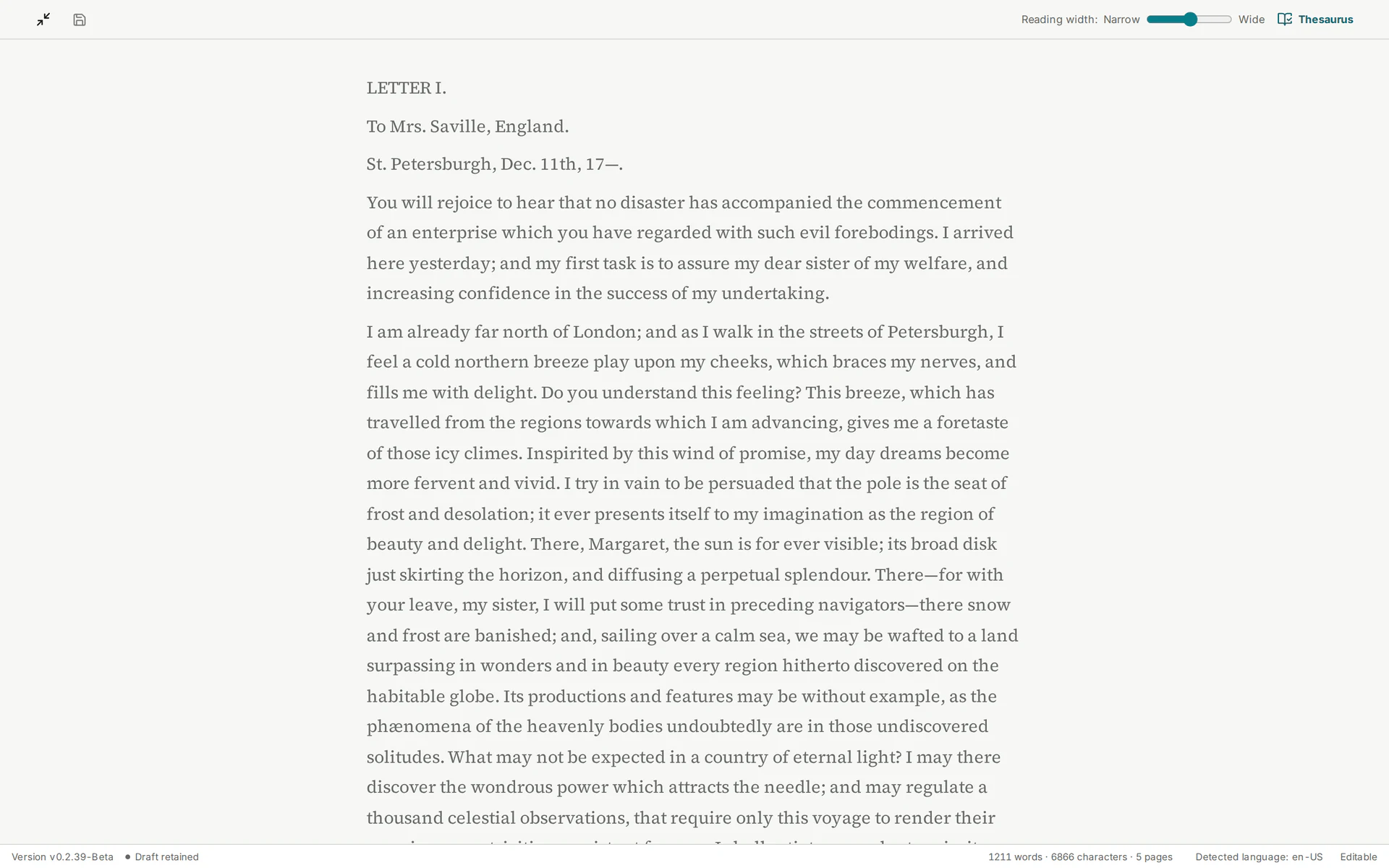
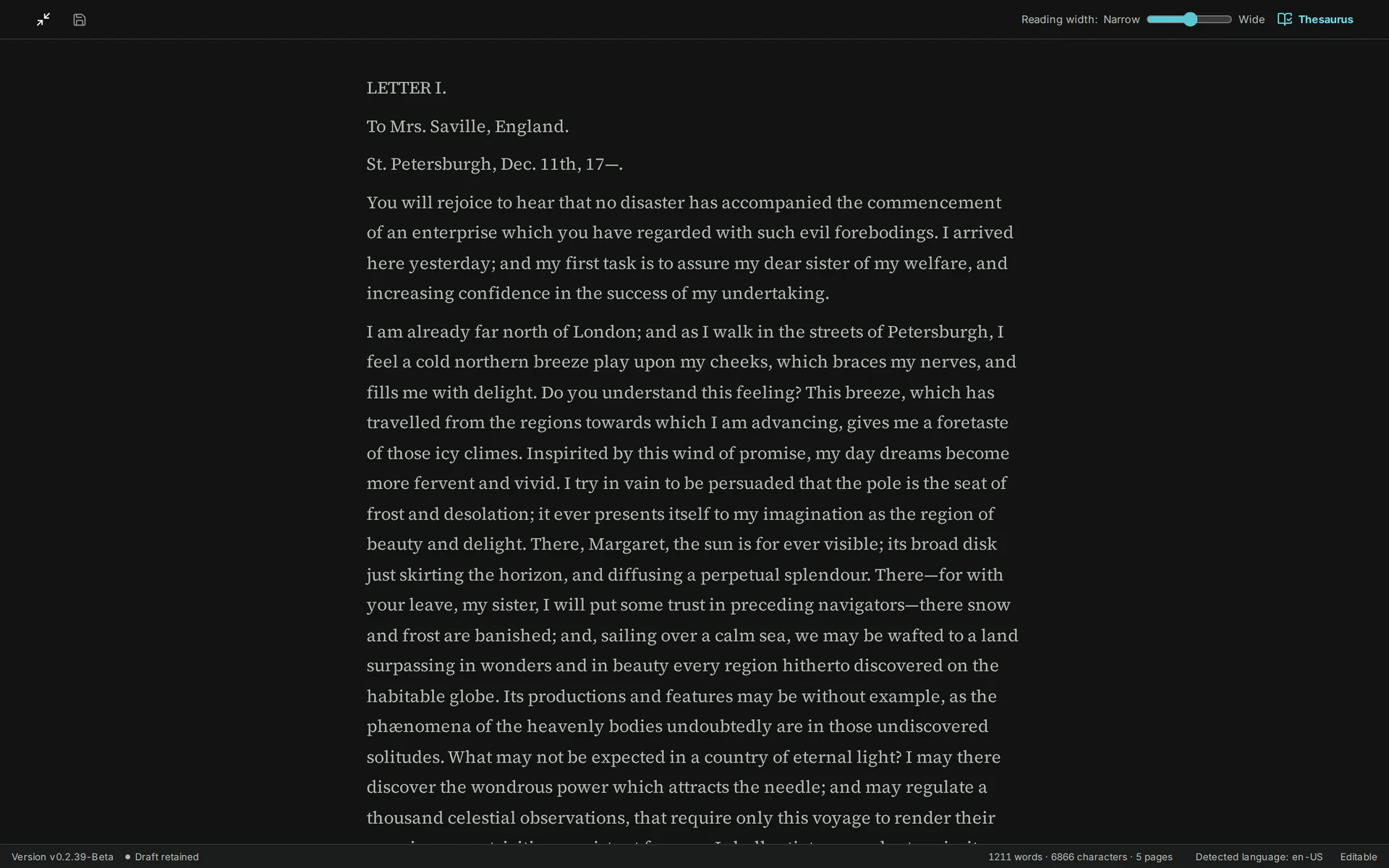
Give your manuscript the room it needs. Focus Mode sets aside the surrounding workspace so you can concentrate on the page, while keeping the writing toolbar within reach.
Adjust the writing width to suit your screen and return to the full workspace when you need your outline, planning or research.
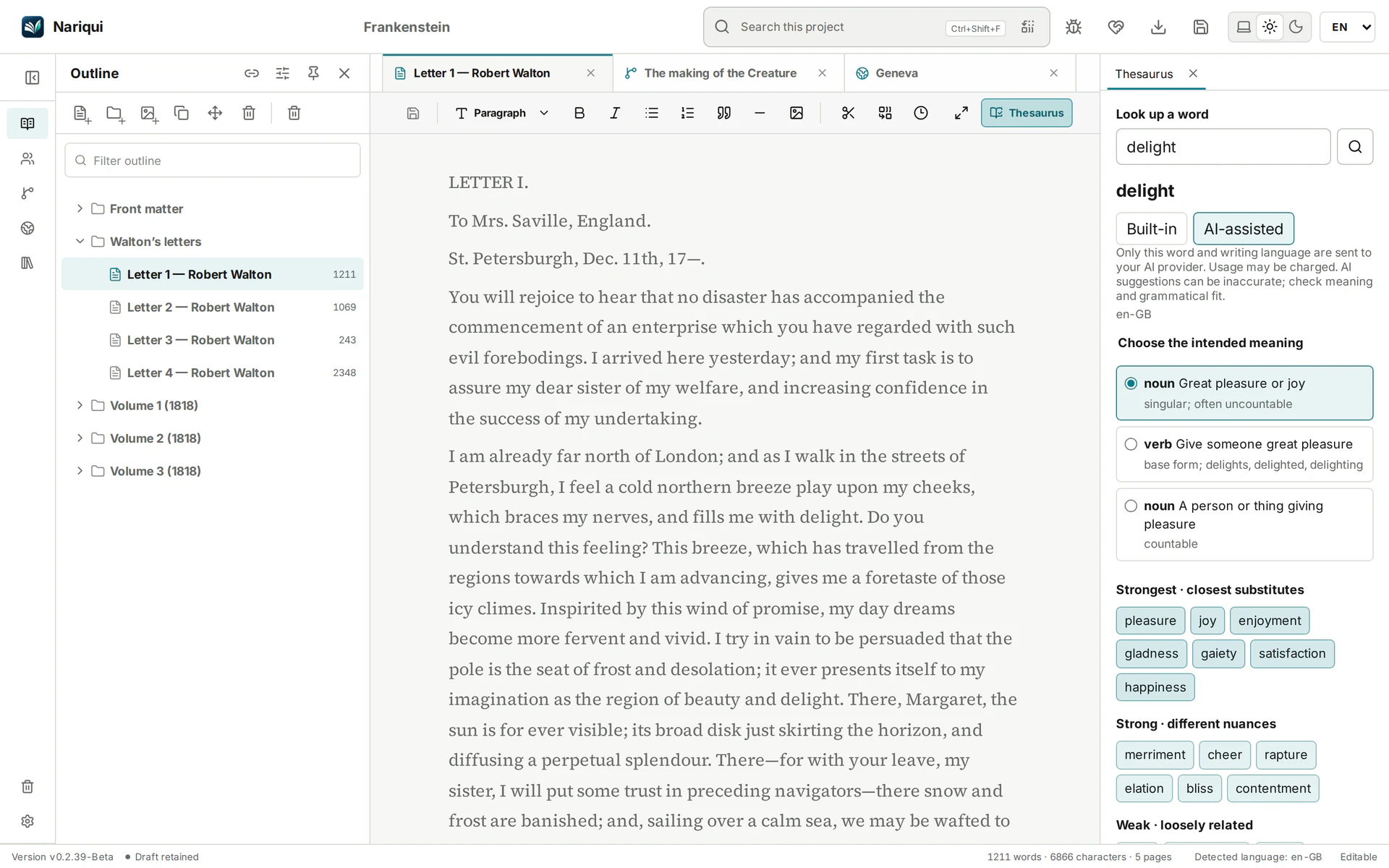
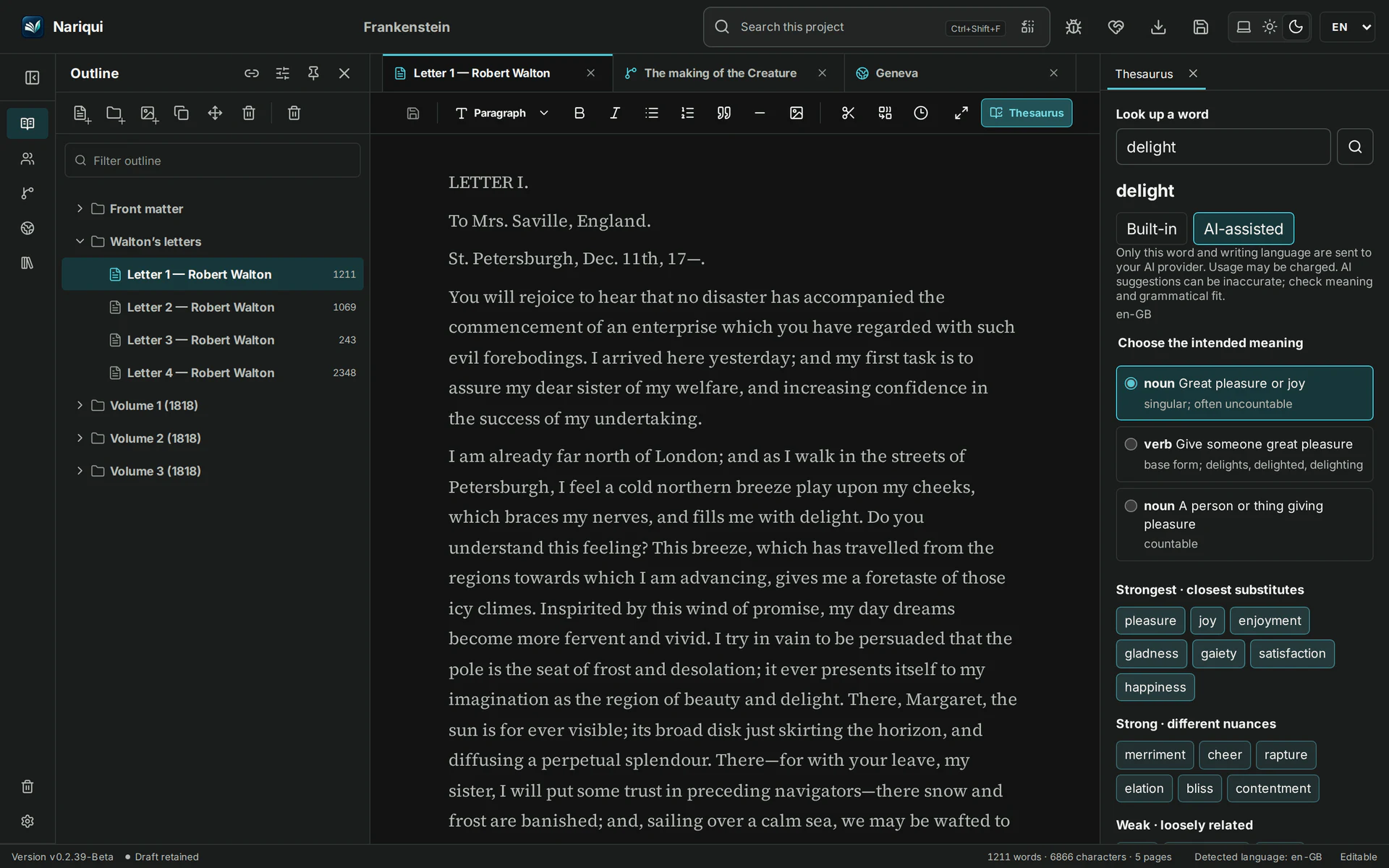
Thesaurus
The built-in English and Dutch thesaurus helps you find synonyms without an AI provider. Explore alternatives by intended meaning and match strength, and choose what belongs in your manuscript.
For additional suggestions, you can choose optional AI assistance.
AI-assisted lookups require a configured provider and are sent to that provider. Availability and any charges depend on the provider.
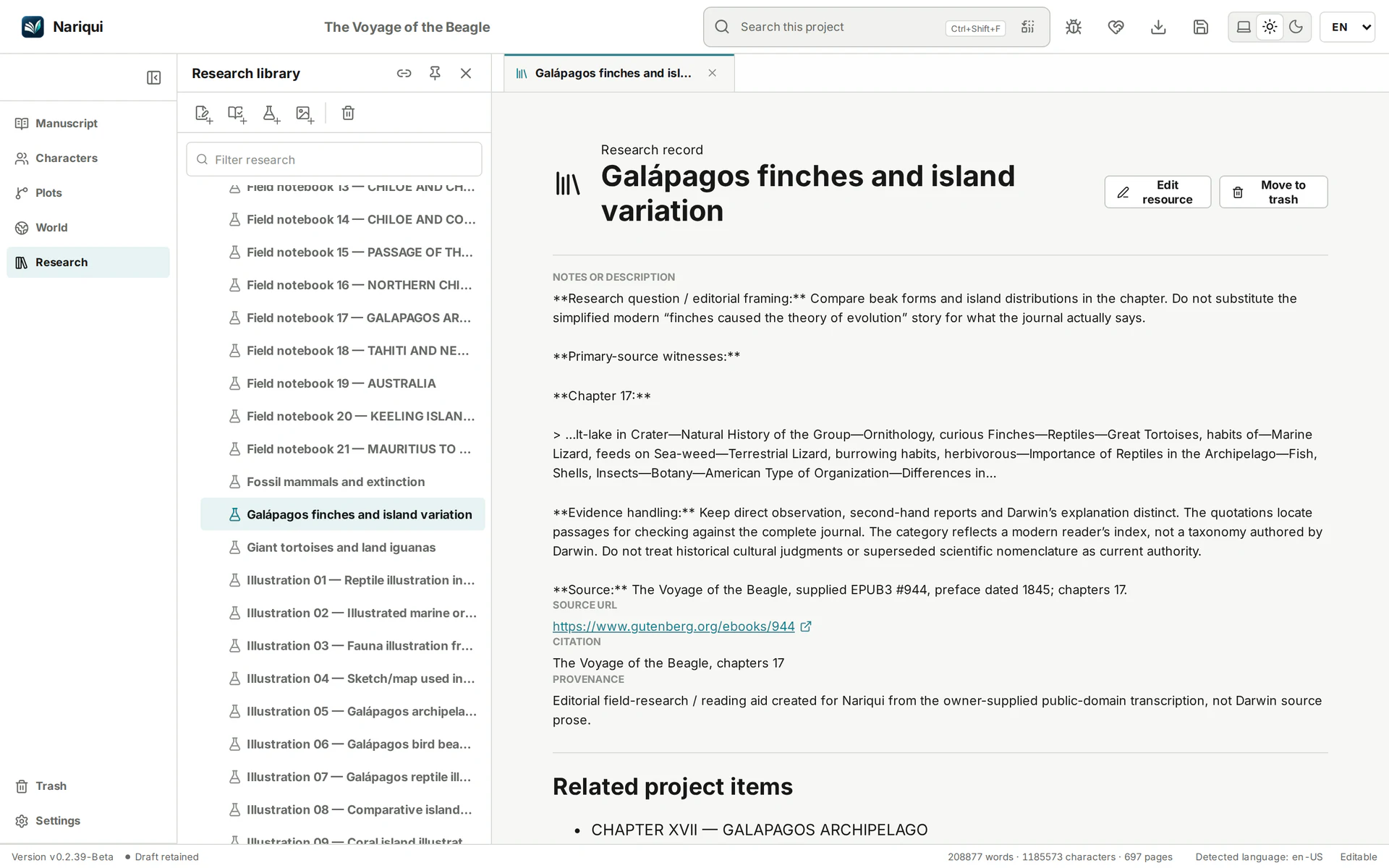
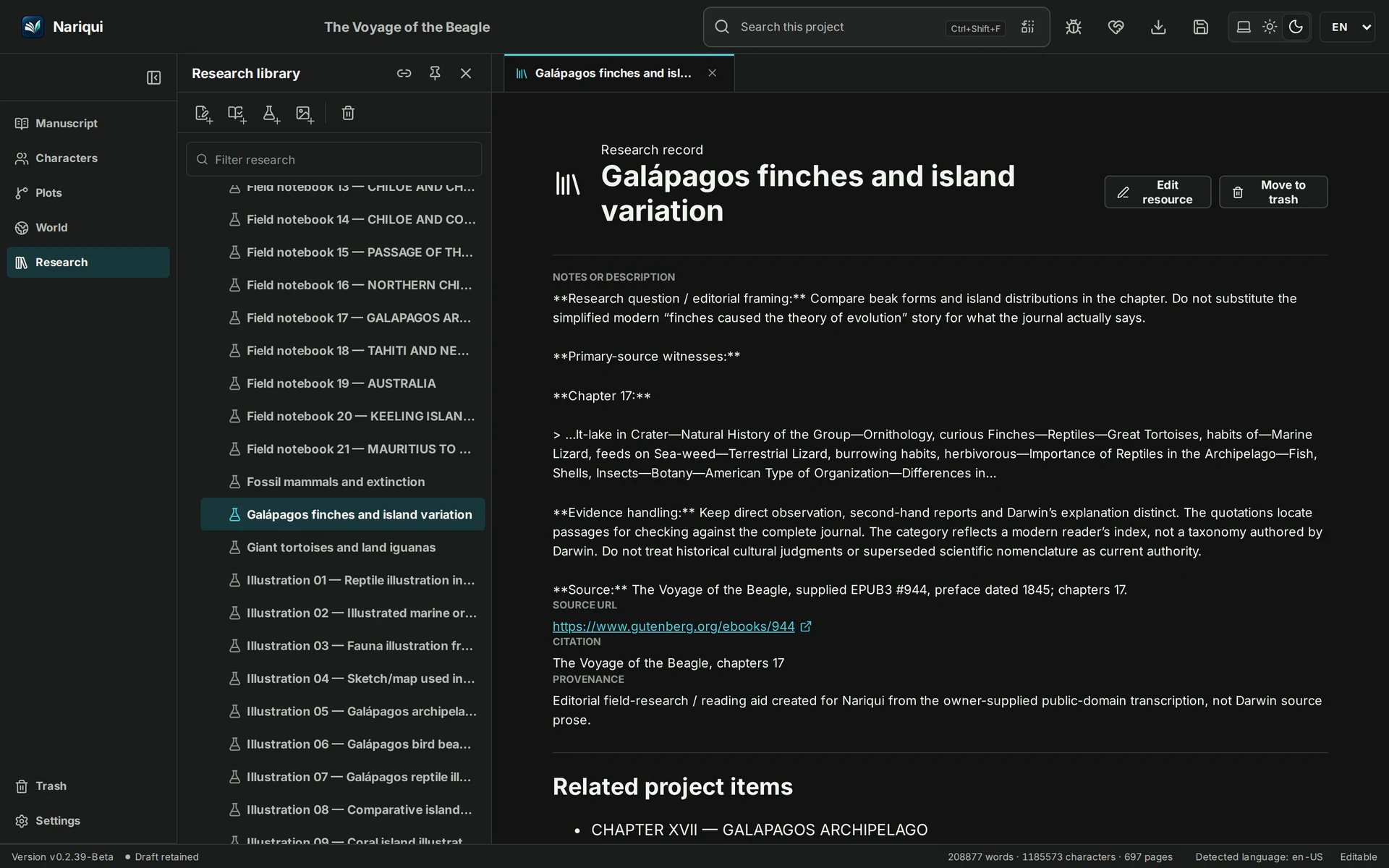
Planning and research belong beside the manuscript.
Characters, plots, world-building, research resources, images, attachments, labels, workflow statuses and typed references remain in the same project context.
One project. Portable by design.
The native .qui format keeps your complete project together in a validated, portable package. Legacy Manuskript .msk sources can be inspected and imported into a separate native project without overwriting the original. Backup, restore and recovery workflows are built around explicit validation.
Room for ambitious writing.
In private testing, Nariqui opened, searched, backed up and restored a project of over 100 MB on a configuration with two logical CPUs and about 8 GB of memory.
That project held around 380,000 words, 700 outline entries, 90 research and reference records, and 50 media resources. For a sense of scale, 380,000 words is roughly 1,300 pages at 300 words per page, or four 95,000-word novels. Page counts depend on formatting; performance will vary with your hardware and project.